
Print a WordPress inventory QR code label for any item, stick it on the shelf, the case or the item itself, and a scan with any phone opens that item’s record: no searching, no typing, no walking back to a computer. The QR Codes add-on is built for the moment a customer asks about something while your team is standing next to the stock, and for the stock count where every item gets scanned rather than looked up.
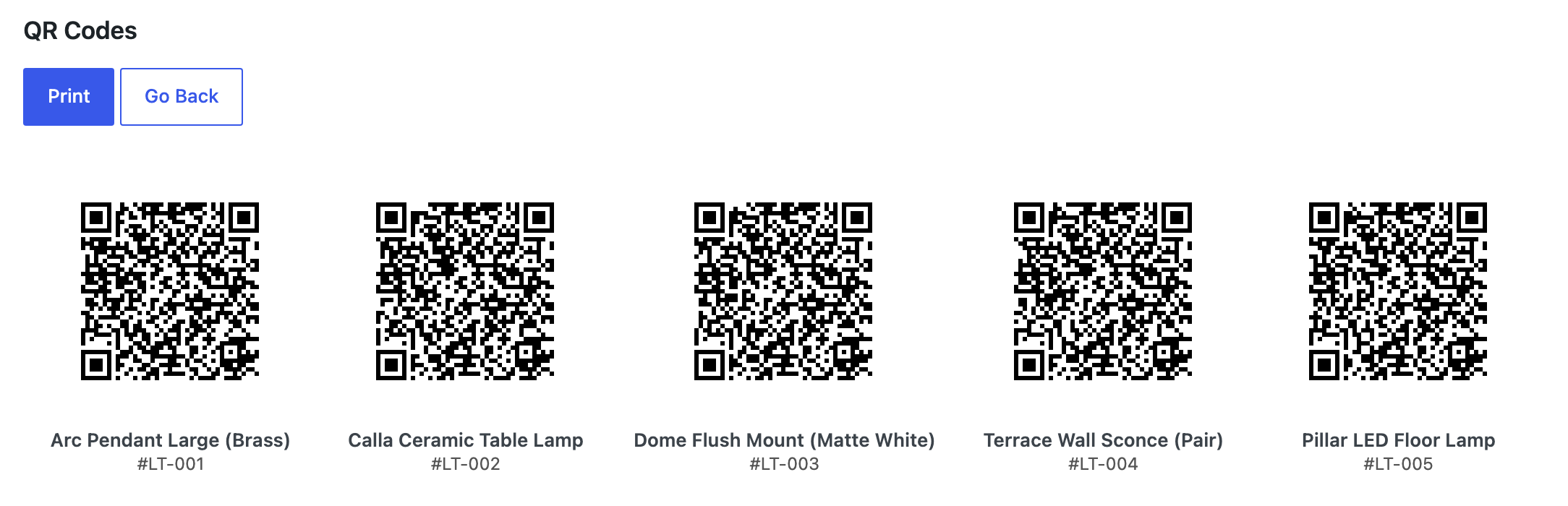
WordPress inventory QR code labels in three steps
Go to QR Codes under the WP Inventory menu and choose how you want to print: a single item, a list of item IDs, or a whole range of IDs at once. Set how many copies you want of each label, the width of the code in pixels and the white margin around it, and click Print; your browser’s print dialog does the rest. Any ID in a range that has no item is skipped, so a batch never produces a tag that leads nowhere. Every label shows the item’s name and number under the code, so your team can tell tags apart at a glance without scanning them, and the codes are vector, so they stay sharp at any size, including the small tags you stick on cables and tools.

You can also print from the item itself: every inventory item’s edit page has a QR Code section with the code and a Print Code link, handy when a single new arrival needs a tag. Scanning a tag opens the item in the WordPress admin, where staff can check details and make changes on the spot. Because it opens the admin, the phone needs to be signed in to your site; WordPress asks once, then takes the scanner straight to the item, and one sign-in per device is usually enough. A single setting, Minimum Role to Use QR Codes, decides who may generate and print codes; it defaults to Administrator.

The QR Codes add-on requires WP Inventory Manager Pro with an active license and PHP 8.1 or higher. It pairs well with the Locations Manager for stock spread across rooms or sites, and with the Ledger when a scan is the first step of recording a movement. The documentation covers installation, printing tips and troubleshooting.
(Note: This add-on requires a licensed copy of the WP Inventory Manager)
